What you need to know
Carnival does not offer free general internet access, but passengers can connect to the ship's network for free to use the Carnival HUB app and access onboard features like restaurant menus, deck plans, reservations, and the daily schedule. Email, web browsing, and most other online services require a paid internet plan. Review the terms and prices for your specific sailing before deciding whether to purchase connectivity.
Key takeaways
- Free access through the Carnival HUB app includes restaurant menus, deck plans, reservations, the daily schedule, and clubs, bars and lounges.
- Carnival's paid internet plans include Social, Value and Premium options, each with different features and device limits.
- Standard Wi-Fi plans permit one connected device at a time, while the multi-device Premium plan supports up to four devices.
- Paid internet plans purchased before the cruise have different prices than plans purchased onboard.
- Wi-Fi terms, prices and availability may vary by specific sailing, departure date or itinerary, so check the details for your own cruise.
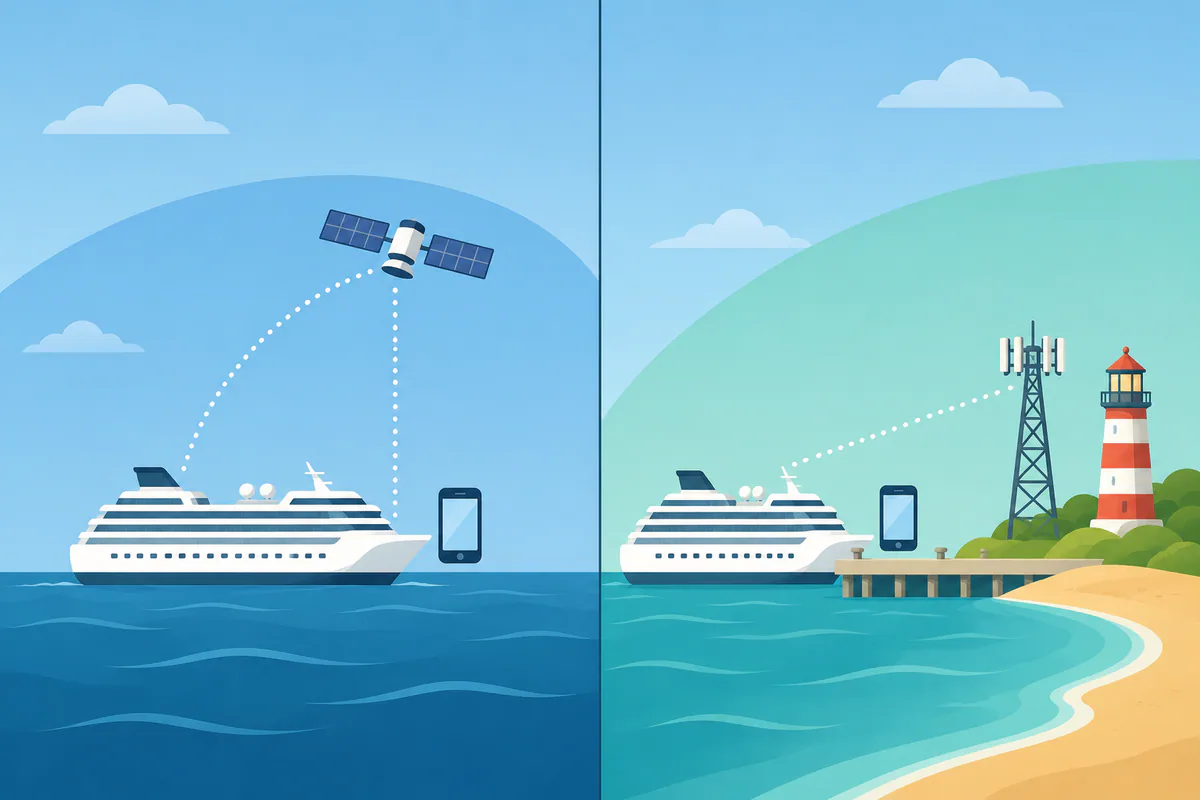
- Maritime Wi-Fi and shore mobile data are separate systems: the ship's network works at sea, while your phone's cellular connection works only in port.
Is Wi-Fi free on a Carnival cruise?
Carnival's Carnival HUB app functions—including restaurant menus, deck plans, reservations and the daily schedule—do not require an internet plan. Free access also includes clubs, bars and lounges.
The key distinction is between onboard services and general internet access. You can review the app's included tools without buying a plan, then decide whether you need additional connectivity for browsing, email or social media.
Before sailing, check the terms for your specific cruise and avoid treating access to the HUB app as confirmation that other online services are included. Carnival Cruise Line information is a useful starting point for reviewing sailing-specific details.

What can you do without a paid internet plan?
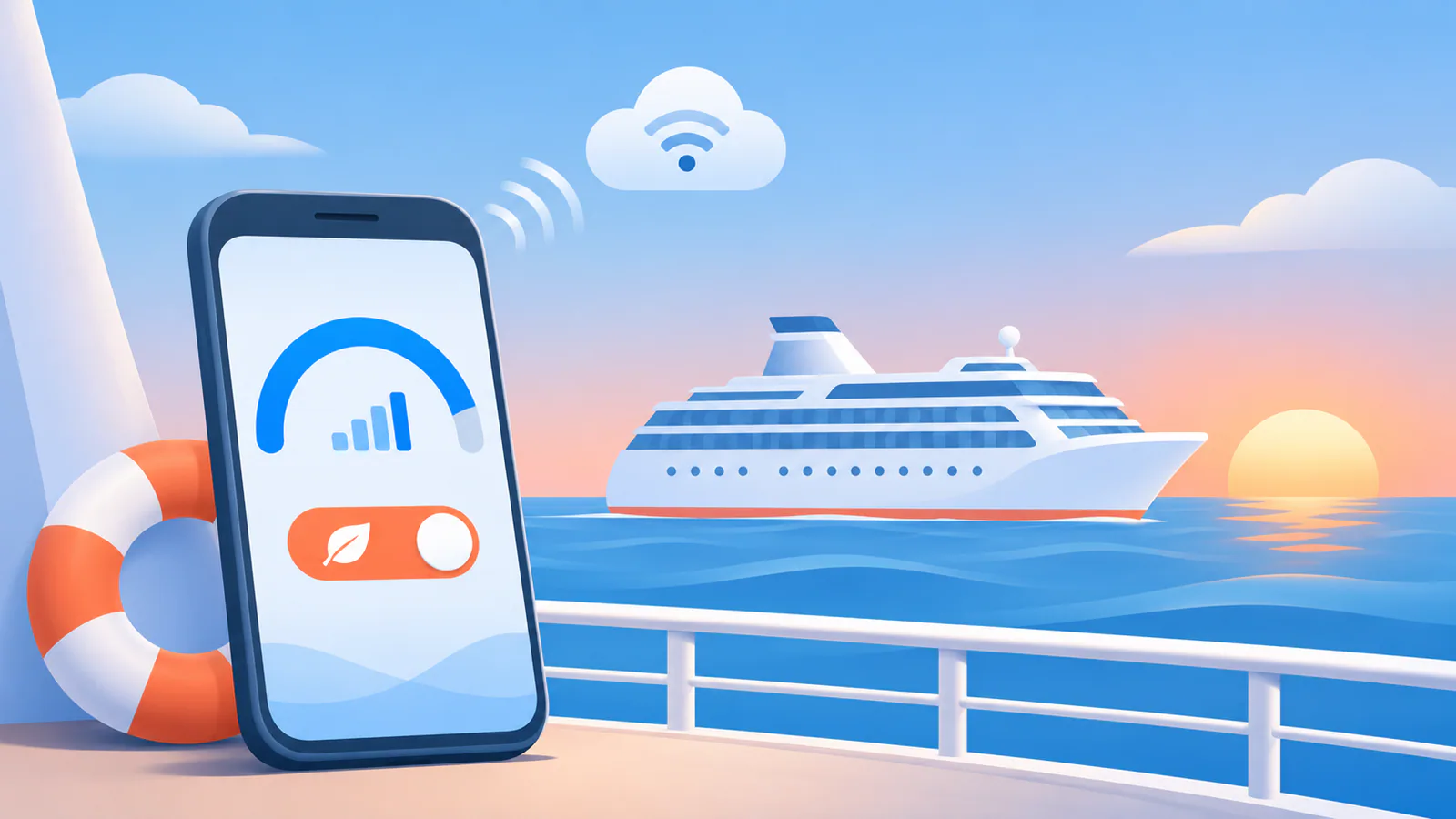
When you connect to the ship's network, the Carnival HUB app lets you view restaurant menus and deck plans, make reservations, and check the day's schedule without paying for an internet plan. These features work while you're onboard and connected to the ship's Wi-Fi network, even if you haven't purchased a data package.
Free access also covers clubs, bars and lounges, including karaoke and the disco. The app becomes your guide to what's happening onboard and where to find it.
The free connection supports the HUB app's onboard tools. To browse the web, check email, or use messaging apps, you'll need to purchase a paid internet plan.
How to connect to Carnival's onboard Wi-Fi
Connecting to the ship's Wi-Fi network usually involves opening your device's Wi-Fi settings, selecting the network name displayed onboard, and following the prompts that appear when you open a browser or the Carnival HUB app.
The exact network name, authentication process, and whether you need to register or log in can vary by ship and sailing. Check the information provided in your cabin, on digital screens around the vessel, or through announcements during embarkation. If you're planning ahead, review the connectivity details in your cruise documents or contact Carnival directly to confirm the current process for your specific voyage.
Once connected to the network, you can open the Carnival HUB app to access the free onboard features described earlier, or choose a paid plan if you need broader internet access during your cruise.
When might you need a paid internet plan?
You will need to purchase an internet package if you want to check email, browse the web or stay in touch with family and friends online, according to Carnival's Onboard Internet page. Carnival's paid options include Social, Value and Premium Wi-Fi plans, each designed for different usage patterns.
Carnival says the Premium plan includes access to all sites available through its Social and Value plans, with speeds up to three times faster; it also lists streaming movies, video chat, home monitoring and web browsing among its uses. Choose a plan based on how you intend to use the connection and how many devices you need to connect.
- Basic communication and browsing: A paid plan is needed if you want to check email or browse websites during the sailing.
- Broader web access and faster speeds: Carnival describes Premium as providing access to all sites from the Social and Value plans with speeds up to three times faster.
- Multiple devices or family sharing: Carnival says its standard Wi-Fi plans permit one connected device at a time unless otherwise specified, while its multi-device Premium plan supports up to four devices.
Confirm the allowance and sharing terms for your exact sailing before buying, and review Carnival's Premium Wi-Fi plan page for the current description. A paid onboard plan covers maritime connectivity; it does not replace mobile data for time ashore.
What to check before your cruise
Check the details for your own sailing before deciding whether to buy internet access. Carnival’s terms, prices and availability can change with the ship, departure date and itinerary.
- Review the current rate. Carnival publishes current internet plan prices on its website and in passenger booking materials. Start with your booking area or cruise planner rather than relying on an older article or screenshot.
- Compare purchase timing. Paid internet plans purchased before the cruise have different prices than plans purchased onboard. Check both options before sailing so you can compare the available terms.
- Check the sailing-specific details. Wi-Fi terms, prices and availability may vary by specific sailing, departure date or itinerary. Review the information attached to your booking, including any conditions that apply to your ship or travel dates.
- Confirm anything unclear with Carnival. Use the Specials Terms and Conditions | Legal | Carnival Cruise Line page and your booking materials, then contact Carnival if the details do not match.
Save the confirmed price and terms before you travel. Recheck them if you change your sailing, since the information for a different departure may not be the same.
Wi-Fi at sea and mobile data in port
Onboard maritime Wi-Fi and shore mobile data are separate systems that cover different parts of your cruise. The ship's satellite-based network operates while you're at sea, but it stops working when you dock. Your phone's cellular connection works the opposite way: it picks up signal when you're in port, but drops once the ship leaves land behind.
A Carnival internet plan covers only the maritime network. It won't help you connect in port, and it won't reduce roaming charges from your home carrier. Shore mobile data — whether from your regular phone plan or a travel data provider — works only when the ship is docked or close to land. The two systems don't overlap, so decide which parts of your trip need connectivity and choose the option that covers those days.
If you need data both at sea and in port, you'll need both types of service. Check your itinerary to see how many sea days and port days you have, then weigh the cost of each option against how you plan to use your phone. More on how sea days and port days affect your connectivity options.