What you need to know
The amount of mobile data you need for a cruise depends on your trip length, your online habits, and whether you'll connect at sea or in port. Start by checking your current daily data use in your phone settings, multiply by the number of days you plan to be online, and adjust for activities you'll do more or less of compared to home. Verify that your service covers the maritime regions and shore countries on your itinerary, since connectivity at sea and in port are separate systems.
Key takeaways
- Check your phone's cellular data settings to see which apps use the most data, then multiply your daily total by your trip length.
- Video calls use about 0.014 GB per minute; background app activity can add up to more than expected throughout the day.
- Maritime connectivity at sea and shore-based networks in port are separate systems with different coverage.
- Turn off background app refresh, disable data roaming when not in use, and download maps and content offline before you sail.
- Verify your service covers both the maritime regions and shore countries on your itinerary before you travel.
How to estimate your cruise data needs
Start with your current daily mobile data use, then multiply by the number of days you plan to be online during your trip. Your phone's settings under cellular or mobile data usage show which apps are using the most data on both iPhone and Android, giving you a baseline figure to work from. Choose a representative week rather than an unusually high or low period.
Adjust that total for activities you'll do more or less of compared to home. Separate essential activities—messages, maps and travel information—from optional ones like streaming video or uploading photos. If you plan to stream at sea or post daily updates, your usage will climb; if you'll skip social media on port days or stay offline more often, it will drop.
Your estimate also depends on where you connect. Treat maritime coverage at sea and shore-based coverage in port as separate parts of your plan, because they have different characteristics and you may use different services in each setting. Verify that your service covers the places and days you intend to use it. A seven-day cruise where you connect only in three ports will need less data than the same itinerary with daily connectivity at sea. Compare ship Wi-Fi packages, shore-based roaming and services like Cruise eSIM against your estimated usage and the ports you'll visit.
This method gives you a working figure rather than a universal allowance. Trip length, your online habits and the balance between sea days and port days all shape the amount you'll actually use.
What uses the most mobile data
Understanding which activities consume the most data helps you decide where to adjust your habits or allocate your allowance. The difference between sending a message and streaming a video is substantial, and the settings on your device can affect consumption in ways that are not always obvious.
Messaging and browsing
Text-based messaging apps and web browsing use relatively little data. Sending text messages, checking email without attachments, and reading articles or viewing simple web pages typically consume small amounts per session. Image-heavy websites and email attachments increase the total, but these activities remain among the lightest for mobile data.
Social media and photo uploads
Scrolling through social media feeds uses more data than plain browsing, particularly when apps load photos and videos automatically. Uploading photos from your cruise adds to the total, and multiple uploads throughout the day increase consumption. Apps that auto-upload or sync photos in the background will use data without you opening them.
Maps and navigation
Using map apps for directions in port requires an active data connection. The amount depends on how much you search, how often the app updates, and the level of detail displayed. Offline maps, where available, can reduce or remove the need for data once you are navigating.
Video streaming and calls
Video calls use about 0.014 GB per minute, or 0.84 GB per hour. Background data from many apps performing small activities throughout the day can also add up to more than expected. Turning off background app refresh or closing apps you are not actively using may help manage your total.

How sea days and port days affect your plan
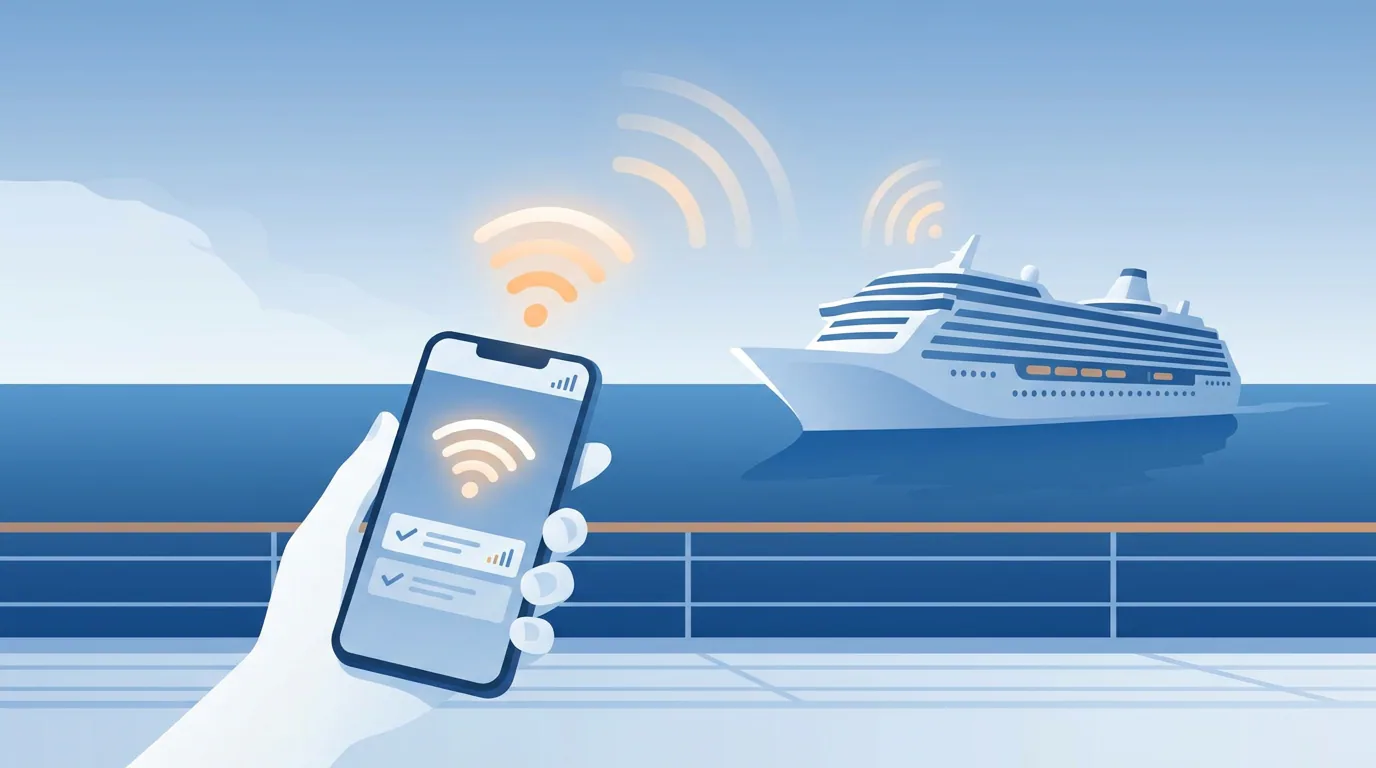
Cruise ships are outside cellular range for most of the voyage unless the route stays very close to shore. The connectivity available to you depends on whether you're at sea or docked in port.
At sea: maritime connectivity
When your ship is in open water, at-sea cellular signal is provided by subcontracted providers such as Wireless Maritime Services or Cellular at Sea. Cellular at Sea delivers satellite connectivity including Starlink where available and is available on all Princess Cruises ships once in international waters. These systems are separate from shore networks. Portable WiFi devices generally don't work well at sea.
In port: shore-based networks
In port, mobile devices connect to local shore-based cellular networks. Portable WiFi devices work well for port days. Check whether your service covers maritime connectivity, shore-based networks in the regions you'll visit, or both.

A simple way to build your estimate
Start with your trip length, multiply by your expected daily usage, then add a buffer for variability. A straightforward calculation gives you a baseline you can adjust.
Example: a 7-day cruise with moderate usage
Assume a 7-day cruise where you check email and messaging apps twice a day, browse the web or social media for 30 minutes, and share a few photos. To estimate the data cost, you would need to measure or estimate each activity:
- Email and messaging: your daily total
- Web browsing and social media (without auto-play video): your daily total
- Photo uploads: number of photos × file size after compression
Add those daily amounts together, multiply by the number of days, and add a buffer for background activity and unexpected use. The buffer size depends on how much margin you want—some travelers add 20%, others prefer more.
This approach assumes you turn off video auto-play, avoid streaming, and use Wi-Fi when available in port. If your habits include video calls, map downloads or streaming music, your usage will be higher.
Adjust the example for your own trip
The calculation only works if you replace the placeholders with your own figures: review your usage at home for a few days to see your actual daily total, then scale it to your cruise length. Your itinerary also shapes your plan—the mix of sea days and port days affects when and where you can connect, and whether you rely on a single data source or switch between services.
Before you choose a plan, verify that the service covers your ship and route, check the allowance and validity period, and confirm whether the data works at sea, in port, or both. Starting with a realistic estimate helps you avoid running out or paying for more than you need.
Ways to use less data on a cruise
A few device and app settings can prevent unexpected data use and help you stay within your allowance.
Before you sail: download content offline
Download maps, playlists, podcasts and any reading material before you leave. Many apps let you save content for offline use. Preparing this content at home means you won't need to use mobile data to access it later.
Device settings to disable background data
Phone settings under cellular or mobile data usage show which apps are using the most mobile data on both iPhone and Android. Use this list to identify apps that consume data in the background, then disable background app refresh for those apps or turn off automatic app updates.
On iPhone, data roaming is turned off by tapping Cellular or Mobile Data, opening Cellular Data Options, and following Apple's roaming instructions. On Pixel devices, data roaming is turned off by going to Settings → Network & internet → SIMs → select the SIM → Roaming. On Samsung devices, data roaming is turned off by going to Settings → Connections → Mobile Networks → Data Roaming. Disabling data roaming helps prevent unexpected charges. Turning off cellular data entirely when you're not actively using it gives you full control over when your phone connects.
Wi-Fi can be enabled while airplane mode is on by toggling Wi-Fi or Bluetooth back on, while airplane mode continues to block cell signals. This approach prevents cellular connections but allows you to join a Wi-Fi network when one is available.
App-specific settings to reduce usage
Many apps download content automatically or use higher-quality settings by default. Check your most-used apps for settings that control video quality, autoplay, and automatic downloads. In Instagram, turning off 'Save Original Photos' prevents the app from saving original photos to the device, reducing data usage during uploads.
Messaging apps may download photos and videos automatically. Check each app's settings and choose to download media manually instead. These small changes add up over the course of a cruise.
Check your plan before you travel
Once you have an estimate, compare it against the plan you're considering. Check destination coverage, activation and validity rules, data allowance, and included services in the plan listing. Verify whether the service covers the maritime regions and shore countries on your itinerary, since coverage at sea and in port may differ.
Confirm when the plan starts and how long it lasts. Check whether the data allowance applies per device or is shared across multiple devices. Review any usage restrictions, such as whether maritime and shore data are separate allowances or pooled together.
If device compatibility or network details are unclear, consult the provider's pre-cruise checklist or troubleshooting resources before committing. Verifying these details now prevents surprises once you're underway.
Frequently asked questions
How can I estimate the mobile data I need for a cruise?
Check your current daily data use in your phone settings under cellular or mobile data usage, multiply by the number of days you plan to be online, and adjust for activities you'll do more or less of compared to home. Verify that your service covers the maritime regions and shore countries on your itinerary.
Which activities use the most mobile data on a cruise?
Video calls use approximately 0.014 GB per minute, or 0.84 GB per hour. Photo uploads to social media and maps also consume data. Background app activity from many apps performing small tasks throughout the day can add up to more than expected.
Should I plan differently for sea days and port days?
Yes. Cruise ships are outside cellular range for most of the voyage unless the route stays very close to shore. In port, mobile devices connect to local shore-based cellular networks. Maritime connectivity at sea and shore mobile networks in port are separate systems, so verify where your service works and whether your plan covers both.
How can I reduce mobile data use during a cruise?
Turn off background app refresh and automatic updates, download maps and content offline before sailing, and disable data roaming when not in use. Wi-Fi can be enabled while airplane mode is on by toggling Wi-Fi separately. In Instagram, turning off 'Save Original Photos' reduces data usage during uploads.
Is there mobile data available on a cruise?
Yes. At sea, cellular signal is provided by subcontracted providers such as Wireless Maritime Services or Cellular at Sea, which deliver satellite connectivity including Starlink where available. In port, your device can connect to local shore-based cellular networks. Availability depends on your service and itinerary.
Sources and further reading
These references explain device or network behavior. They do not verify Cruise eSIM product availability.
- Using Your Cell Phone on a Cruise ↗
- What to Know about Data Roaming on a Cruise? (Must-Read Tips) ↗
- What Is Airplane Mode? How Does Airplane Mode Work? ↗
- How Much Data Do Popular Apps Use? A Simple Guide | Twigby Mobile ↗
- Travel data calculator | aloSIM ↗
- How to turn off Background App Refresh on iPhone & Android ↗
- Will I have cell phone and internet service while on my cruise? ↗
- Everything You Need to Know About Internet on Royal Caribbean Cruises 2026 ↗
- How to Turn Off Data Roaming on iPhone and Android - BitJoy Global eSIM ↗
- How Much Data Does Instagram Use? ↗