What you need to know
The best eSIM for a Caribbean cruise depends on your exact ship, island stops and whether you need data at sea. Choose a regional travel eSIM for covered ports, or a maritime-capable plan that explicitly supports your ship for offshore access. Compare either option with your cruise line’s Wi-Fi before buying.
Key takeaways
- Check your exact ship before buying an eSIM for use at sea.
- A regional Caribbean eSIM does not automatically include maritime coverage.
- Verify every port individually, including embarkation and disembarkation destinations.
- Compare data allowance, validity, activation rules and hotspot restrictions.
- A plan advertised for cruises may still provide port-only connectivity.
- Consider ship Wi-Fi for onboard use and an eSIM for excursions ashore.
- Disable automatic data switching and check your home carrier’s roaming rules.
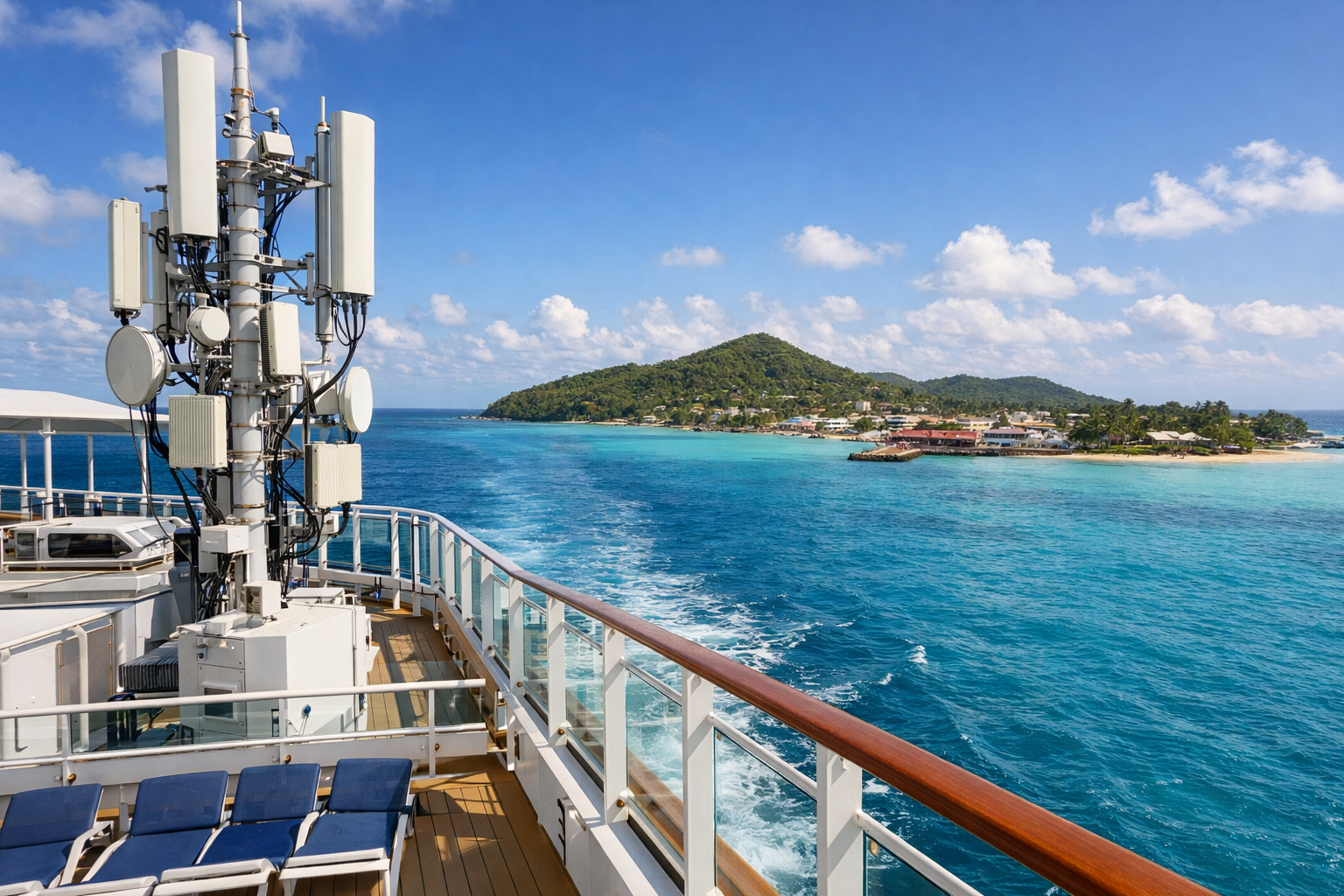
The best eSIM for a Caribbean cruise is not one provider. It is the plan that fits your ship's onboard cellular coverage and your port stops. On ships with a maritime network, a cruise eSIM can keep you online at sea and in ports like Nassau, Cozumel, or St. Thomas. On ships without that network, a Caribbean island eSIM works only on shore.
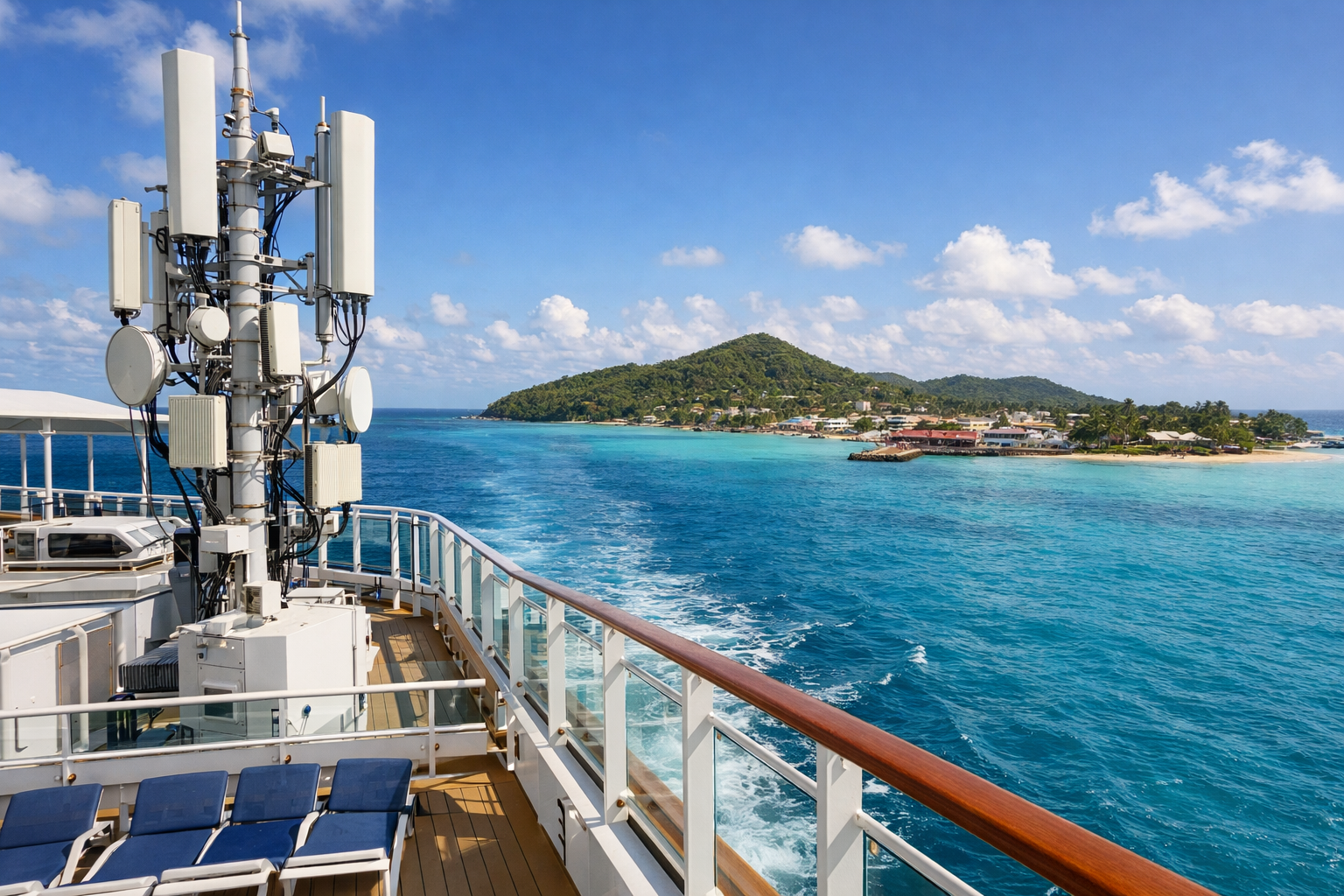
The right cruise eSIM depends on whether you need data in island ports, at sea, or both.
That split matters more than data size. Before you buy, check whether your ship has its own cellular service at sea. If you sail Royal Caribbean, for example, the VOOM Wi-Fi package may be the stronger choice on sea days. An eSIM can cover port days for less. You can also see how cruise eSIM plans work before you compare prices.
Below, we compare plans by onboard coverage, island coverage, validity, throttling, and overage rules. A plan that works on deck can still drop in an inside cabin. Some cruise lines block tethering or voice calls even when data works.
Quick Answer: Choose Based on Sea Days, Port Days, and Data Needs
For a port-heavy Caribbean route, a regional eSIM with a set data amount covers the useful basics: pier maps, taxi or ride-share apps, restaurant searches, and messaging. You do not need unlimited data just because you are in another country. Add up your real port-day hours; this is a great way to avoid buying more data than you need. A passenger ashore for five or six hours in three ports will typically use less data than someone working from a café in San Juan or streaming video on the beach.
If the itinerary has several sea days in a row, the choice changes. A cellular eSIM usually will not hold a usable signal in open water unless the plan specifically includes maritime network access. Even then, indoor coverage can be unpredictable. On long stretches at sea, the ship's Wi-Fi package is often the more reliable fallback. Check the eSIM policy for throttling and daily data caps before you rely on it at sea.
Choose a port-only eSIM when you dock almost every day and mainly need maps, messages, and light browsing. Choose an at-sea-capable plan when you want a few hours of connectivity on one or two sea days. Choose unlimited data only when you expect heavy streaming, large uploads, or sharing one connection across several devices. Pairing a smaller eSIM for port days with the ship's internet package for sea days often avoids paying for more data than you actually use.
Does an eSIM Work at Sea and in Caribbean Ports?
Yes, but coverage splits by location. In Caribbean ports such as St. Thomas, Nassau, or Cozumel, eSIM coverage is usually excellent because your phone connects to local land networks. At sea there is no terrestrial tower. A standard travel eSIM has nothing to connect to unless the plan includes maritime access for your specific ship. Always check the plan's maritime coverage list before you rely on it at sea.
Does eSIM work on Caribbean cruises?
It can, but not automatically. A cruise-specific eSIM may work on supported ships and routes. A regional Caribbean eSIM covers only port days. Ship support varies by vessel and cruise line, so check your itinerary before buying. For a breakdown of how coverage changes on sea days versus port days, see how cruise eSIM coverage splits between sea and port days.
Travelers who only need port data can use a simple regional eSIM. Anyone who wants to stay online during a full sea day should compare onboard Wi-Fi packages. Cruise-line Wi-Fi usually reaches cabins and indoor spaces. A maritime eSIM may be limited to open decks or near windows, and it can drop during satellite handoffs or bad weather.
| Situation | Typical coverage | Better choice |
|---|---|---|
| Docked in a Caribbean port | Local network data | Regional eSIM |
| At sea on a supported ship | Maritime network data | Cruise eSIM |
| At sea with no ship cellular | No eSIM signal | Ship Wi-Fi |
Before sailing, turn on data roaming for the eSIM. Keep your primary line off or set it to Wi-Fi calling. Test the connection in port. This avoids surprise roaming charges and confirms everything works before the ship leaves cellular range. Always install and test the eSIM before boarding so the ship does not leave cellular range until you have verified the connection.
We compared plans against a typical Caribbean itinerary. We checked whether data works only at island ports or also on the ship's maritime network, which islands are covered, data allowance, validity, throttling, overage policy, tethering, and installation before boarding. If you are new to this, a quick read of how cruise eSIM plans work shows the difference between maritime roaming and ordinary travel data. Recent reviews from other cruisers can also reveal whether activation, support, and throttling match the marketing.
Do eSIMs work well on cruise ships?
They can, but only when the plan includes roaming on the cruise line's maritime network and the ship supports that service. Coverage is usually best on open decks and near windows. Lower decks and interior cabins can lose signal. Port-only plans will not keep you connected on sea days, so we treat at-sea support as a separate test from island coverage.
We also compare each eSIM against cruise-line Wi-Fi packages. On itineraries with several sea days in a row, ship Wi-Fi may be the better option for work, streaming, or multiple devices because maritime cellular speeds can be inconsistent. For port-heavy cruises, a broad Caribbean eSIM plan is often more practical. We keep a physical SIM in the equation, since many travelers keep their home line for calls and SMS and use the eSIM only for data. Holafly plans, in particular, are usually reviewed as a port-day option rather than a cruise-ship data plan.
We do not rely on one provider's marketing. We weigh published coverage lists, plan terms, and user reviews for activation and support issues. Then we compare total cost, data allowance, validity, throttling, and overage policy before making a recommendation.
At-a-Glance Comparison of GigSky, Airalo, Nomad, and Holafly
For Caribbean cruises, the key split is onboard maritime coverage versus port-only data. GigSky is the only provider in this group that commonly sells cruise-ship plans with at-sea access on supported vessels. Airalo, Nomad, and Holafly are land-based eSIMs. They usually help you stay connected in island countries and port towns, but not while the ship is under way.
| Provider | At-sea coverage | Port use | Best fit |
|---|---|---|---|
| GigSky | Cruise-ship plans on supported vessels | Caribbean island networks | Routes with multiple sea days |
| Airalo | Not designed for maritime use | Country and regional eSIMs | Port-heavy itineraries |
| Nomad | Not designed for maritime use | Country and regional eSIMs | Port-heavy itineraries |
| Holafly | Not designed for maritime use | Caribbean country eSIMs | Short port stops and land tours |
That difference matters most when you count sea days. A port-heavy Eastern or Western Caribbean itinerary may work fine with Airalo, Nomad, or Holafly because you spend most of the day ashore. A repositioning cruise or a route with several sea days favors GigSky. Confirm your ship and sailing date are supported before buying. Indoor cabin coverage and network handoffs can still interrupt service even when the ship is listed. Holafly eSIMs are often sold as country or regional plans for Caribbean destinations, so treat them as port-only unless a plan explicitly lists cruise-ship coverage.
Do not compare brand names alone. Check total data, validity window, throttling after the high-speed allowance, and any overage terms for each current plan. Then weigh that against the ship's Wi-Fi package. For the underlying setup pattern, review how it works. Before you purchase, confirm each plan's high-speed allowance rather than only the advertised headline data.
Plan-by-Plan Pricing, Data Limits, Validity, and Throttling
The headline data number is less important than the full-speed allowance. Many cruise eSIMs split data into a high-speed portion and a slower fallback after the limit is reached. Before you purchase, check whether the plan throttles, cuts off data, or requires a top-up. Confirm the validity clock starts when the eSIM first connects to a supported network, not at checkout. An excellent headline data rate is not a great purchase if the full-speed allowance is small or the fallback is unusable.
For Caribbean sailings, the pricing divide is maritime coverage versus port coverage. GigSky cruise plans are designed for ship-to-shore use. Airalo, Nomad, and Holafly generally sell regional or country eSIMs that only work when the phone can reach a land network. A port-only plan may look cheaper, but it will not cover sea days. You may still pay separately for cruise-line Wi-Fi.
Match the plan length to your itinerary. A short regional plan may cover a few island stops. A longer route needs a plan that stays valid across the sailing. Compare total cost against usable full-speed data, not the advertised amount. Check tethering rules before you rely on a laptop in the cabin. Prepaid eSIM data usually avoids overage charges by slowing or stopping service, but each provider handles that differently. See how the plan activates before you board.
Will Your Ship, Cruise Line, and Island Itinerary Be Covered?
At sea, an eSIM only makes a connection if the ship has a compatible maritime cellular network and your plan includes roaming on that network. Ships with satellite Wi-Fi alone won't give your phone a direct mobile data link. On those sailings, compare the cruise line's Wi-Fi package instead. Check the ship's network list before assuming one eSIM covers sea days and port days. For example, if you are sailing on a ship such as Oceania Regatta, verify the onboard network list for that vessel before assuming an eSIM will work at sea.
Your cruise line affects onboard Wi-Fi more than your eSIM does. Some lines sell unlimited daily or voyage-long Wi-Fi packages, but those may throttle video or limit devices. That can beat an eSIM inside a lower cabin, where maritime cellular signals often fade. On island days, major ports such as Cozumel, Nassau, and St. Thomas usually have solid LTE. Smaller or private island calls can drop to slower data or rely on the cruise line's own tower. Different Caribbean destinations can operate on different networks, so check each stop before purchase.
Before you turn on the eSIM, turn off data roaming on your home line and set the phone to use the travel eSIM for data. Plans labeled unlimited often still reduce speeds after a set allowance. Read the terms before using hotspot or streaming. A connection can drop when the ship moves between satellite beams or when you walk from an open deck to a lower cabin. Toggling airplane mode off and back on is usually the quickest fix. For more on sea-day and port-day coverage, check how ship and shore networks differ.
Which Provider Fits Your Cruise? Itinerary-Based Examples
Start with the route, not the brand. On a 7-night Eastern Caribbean sailing with two sea days between Florida, St. Thomas, and St. Maarten, the deciding check is whether the plan includes maritime coverage for the days the ship is between islands. A land-only Caribbean plan may cover the port afternoons. It leaves you without data for the longest stretch of travel at sea. Holafly can be a great port-day option, but it will not act as a cruise-ship data card.
For a Western Caribbean route with four port days — Cozumel, Roatán, Belize City, and Costa Maya — a Caribbean eSIM can be the simpler choice if every stop is inside the same coverage list. Compare the data allowance, validity, and any throttling against port-day use, not the whole cruise. A small plan may fit a 5-night sailing but run short on a 10-night cruise with a pre-cruise hotel night in Florida.
On a transatlantic or Panama Canal sailing, consecutive sea days change the priority. Ship connectivity or a maritime-capable plan becomes the main option, and port-only coverage matters less. Before you buy, check how cruise eSIM coverage works so you understand where the ship's own satellite system takes over and where your eSIM can actually connect.
For a Southern Caribbean route from San Juan to Aruba, Curaçao, and Bonaire, check that the plan's island list includes the Dutch Caribbean. Do not assume all Caribbean eSIMs cover it.
When Is Cruise-Line Wi-Fi Better Than an eSIM?
Cruise-line Wi-Fi is better when you need internet during sea days. An eSIM depends on nearby cellular networks and usually cannot provide reliable offshore coverage. Choose ship Wi-Fi for work, video calls, streaming, messaging throughout the voyage, or connecting multiple devices from your cabin. It is also the more practical option when your itinerary includes long stretches between islands or you need access while the ship is moving. Always compare the ship's Wi-Fi price against your expected port-day data usage before purchase.
What is the best eSIM for cruising?
For most Caribbean cruises, the best eSIM is a regional plan that reliably covers your island stops. It is not a one-size-fits-all data package. That setup works best on port-heavy itineraries, where you need maps, messages, and excursion research ashore. On sailings with several sea days, no eSIM alone is the most dependable choice. Pair it with cruise Wi-Fi.
When is cruise-line Wi-Fi the better choice?
Ship Wi-Fi usually wins when you need dependable internet on sea days for work, video calls, streaming, or keeping a laptop online. It is also simpler for several devices or cabin coverage on lower decks. Royal Caribbean's VOOM internet plans, for example, are built for onboard access. Check whether the plan covers one device or multiple devices and what speeds to expect on your ship.
What are the real limits of an eSIM at sea?
An eSIM can stay connected near windows or on open decks when the ship is close enough to a shore network. Coverage often drops indoors, on lower decks, or farther offshore. Speed may be reduced, tethering may be blocked, and your internet session can cut out if the device switches networks mid-task. Cruise Wi-Fi is more predictable there. Many travelers use an eSIM for port days and ship internet for sea days.
What Performance and Service Limitations Should You Expect?
An eSIM can keep your phone connected in many Caribbean ports. At sea, the service rarely matches land-based mobile data. Maritime networks rely on satellite backhaul and shipboard antennas, so latency goes up and speeds can drop sharply when a vessel is moving, during rough weather, or when many passengers are online at once. Interior cabins and lower decks usually get weaker signal than open decks or spaces near windows. Excellent port coverage does not always continue inside a lower cabin at sea, because the phone must switch to a different maritime network.
Onboard eSIM data may also restrict tethering or hotspot use, even if your phone plan at home allows it. Check your travel line's settings before boarding. Data roaming should be enabled for the eSIM. Your primary home line should stay disabled to avoid surprise charges. Near islands, your phone may briefly lock onto a shore tower, then lose connection when the ship pulls away and the network hands back to the maritime service.
Service interruptions are normal during handoffs, in narrow channels, and in destinations where local networks limit certain bands. For time-sensitive tasks, a Wi-Fi plan can be a more predictable backup despite its cost. If you are weighing the ship's internet against an eSIM, our guide to Royal Caribbean VOOM internet plans, devices, and connection behavior explains what the onboard network does differently.
How Do You Install, Activate, and Switch to a Cruise eSIM?
Install your eSIM before you leave home, not while standing at the port or hunting for a local SIM card at the first island. The basic steps match how eSIM installation works on most phones. Buy a plan, receive a QR code or use the provider's app, and add the line in your phone's cellular settings. Label it “Cruise eSIM” so it is easy to spot later. Your phone must be unlocked, and your model must support eSIM. Most recent iPhones and many Android phones do, but older or carrier-locked models may not. You do not need to remove your primary SIM card to use the eSIM; the two lines can stay active at the same time.
Can you get an eSIM for a cruise ship?
Yes, if you choose a plan with at-sea coverage. A land-only Caribbean eSIM may cover islands but will go dark on the ship after you leave port. For cruise-ship data, pick a plan that explicitly lists maritime or cruise-line coverage. Check your ship and itinerary, because onboard networks vary by vessel and region. You can install the eSIM before boarding. It will not connect until the ship's cellular network becomes available after sailing.
To activate, open your phone's settings and select the Cruise eSIM line for data. Turn on data roaming for that line only. Keep your home line set for voice and SMS, but turn off data roaming on the home line so you do not collect charges there. You can switch between the two lines by changing which line carries data. Set the cruise eSIM as the data line on sea days and while ashore. Switch back to the home line only if you have a plan that includes international or ship data. If activation does not start, check that the plan has not expired and that your phone is not still forcing the home line for data. Always select the cruise eSIM as the data line before you leave port.
How to Troubleshoot Connectivity and Avoid Roaming Charges
Before you leave the ship, turn off your primary line's data roaming or set it to “off” while keeping the travel eSIM line enabled for data. This simple split is the most reliable way to avoid surprise roaming fees. Calls and SMS can stay on your home number if your carrier supports Wi-Fi Calling. Cellular data should come only from the cruise eSIM. If your phone asks which line to use, choose the travel eSIM for data and your home SIM for calls only when you actually need to place one. Always double-check the line order before leaving the ship; a phone that falls back to the home SIM can create surprise charges.
When data stalls on a port day, toggle Airplane Mode on for 10 seconds, then off. This forces the phone to rescan for an available local network instead of holding onto a weak ship signal. Confirm that the travel eSIM line is selected under Settings > Cellular/Mobile Data and that Data Roaming is enabled for that line only. If the eSIM shows “No Service,” try manually selecting a network listed in the provider's island coverage notes rather than leaving it on automatic. Recent user reviews often mention that manual network selection fixes poor port-day connectivity.
For at-sea connectivity, expect the phone to latch onto the maritime network or the ship's Wi-Fi depending on your plan. If the connection drops indoors, move near a window or open deck. If the connection still will not start after activation, check the eSIM troubleshooting steps for common APN, profile, and line-order fixes before assuming the card is faulty.
Most questions come down to where you need data. On sea days, coverage depends on maritime networks and the ship's route. In port, it depends on local carriers your Caribbean plan can reach. Confirm each island on your itinerary is covered before buying.
A regional Caribbean eSIM can be great for island-hopping, but not all Caribbean plans include the same countries. St. Martin, St. Thomas, and the Bahamas often run on different networks, so coverage may change at each port. Check whether sea-day access is included. Many travel eSIMs are port-only.
For a plain explanation of how a cruise eSIM fits into onboard and shore data, see how eSIMs work on cruises. Install and test the plan before boarding. Keep your home line's data roaming off so the eSIM handles data without surprise charges.
Can I use one Caribbean eSIM on several islands?
It depends on the country list. A regional Caribbean plan may cover multiple islands under one data allowance. Confirm every port on your route. If your trip includes non-Caribbean stops, check those separately.
Is a Caribbean eSIM the same as a global eSIM?
No. A Caribbean eSIM is usually limited to island networks. A global eSIM includes those plus other regions. For a Caribbean-only cruise, a regional plan is often simpler. A global plan helps if your voyage starts or ends outside the region.
- Always confirm that every island destination on your route is on the plan's coverage list.
- Read recent reviews for activation issues, support quality, throttling, and at-sea reliability.
- Purchase the smallest full-speed plan that covers your port-day data needs, then pair it with ship Wi-Fi on sea days when needed.
- Great port coverage is not enough if your itinerary includes several sea days; check maritime access separately.
- For an excellent full-voyage setup, combine a regional eSIM with cruise-line Wi-Fi instead of expecting one product to cover both.
Before you purchase, also see what a cruise includes and what costs extra so you do not pay twice for connectivity.
The best pick is the plan that fits your ports, sea days, and data habits.
Frequently asked questions
Does a Caribbean eSIM work at sea?
An ordinary regional eSIM uses land networks and should not be relied on offshore. At-sea mobile data requires a plan that explicitly supports your ship’s maritime cellular network.
Can one eSIM cover several Caribbean islands?
Yes, if the exact regional plan includes every destination you visit. Check the country and territory list rather than relying on the Caribbean label.
Is an eSIM the same as cruise Wi-Fi?
No. An eSIM provides access to supported cellular networks. Cruise Wi-Fi connects you to the ship’s onboard internet service and normally requires a separate entitlement or purchase.
Does a cruise-branded eSIM always include maritime coverage?
No. Some cruise-branded products cover destinations ashore. Read the offshore coverage terms and check your exact ship before buying.
When should I install my cruise eSIM?
Install it before departure using a stable internet connection. Check the activation policy first, because the event that starts validity varies by plan.
Can I keep my home number active?
Often, but calls and other carrier services may still incur charges. Disable automatic data switching and check your home carrier’s roaming terms before sailing.
Sources and further reading
These references explain device or network behavior. They do not verify Cruise eSIM product availability.